Effects
scrollkit.effects adds visual polish: particle systems and colour animations —
all built to respect the device's memory and frame budget.
The old transition effects were removed and replaced
The earlier transitions, basic_transitions, and reveal modules
(fades/slides/wipes/reveal) were broken or fake — they looped over all 2048
pixels in Python and only rendered placeholder content — and have been
removed. Their replacements are the ScrollKit Showcase effect classes,
built on the zero-allocation overlay-mask/painter/easing primitives:
- Characterful scrolling — kinetic marquee, wave-rider, split-flap
- Theatrical transitions — 13 transitions: iris, venetian, mosaic, CRT, light-slit, pixel-dissolve, column-rain, gradual-reveal, scan-fold, horizontal/diagonal wipes, glitch-bars, drop-from-sky
- Palette-animated bitmap text — rainbow, mono, neon, chrome, hazard
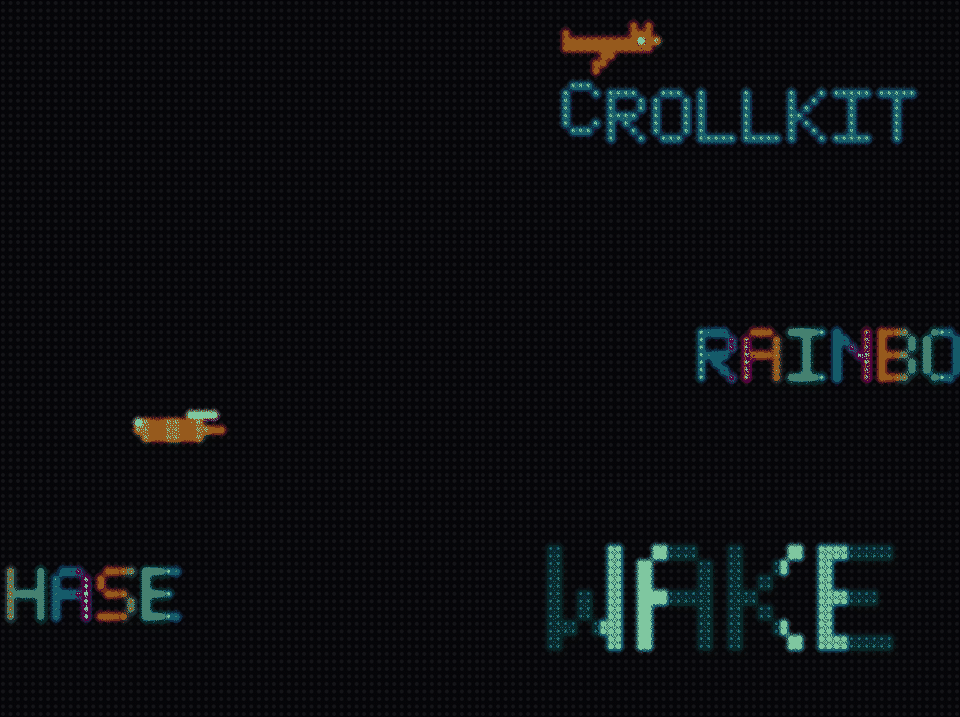
See demos/hard/showcase_reel.py for a reel that demonstrates every one of
them (and the rest of the library) — each act names the effect it plays.
The showcase_reel demo runs the whole catalog — transitions, palette
treatments, splashes, scrollers, bitmap text, particles, and two animated
characters — as an endless self-scheduling show:
One effect contract, plus standalone helpers
After the effects consolidation there is one content-swap contract —
scrollkit.effects.transitions.Transition (see
Theatrical transitions) — plus standalone splash and particle
helpers. The old Effect / EffectRegistry, SimpleEffect / EffectsEngine, and
EnhancedDisplayContent systems were removed: they overlapped, were unused, and
the enhanced-content family even looped over all 2048 pixels in Python — the exact
anti-pattern the feasibility gate forbids. There is intentionally no shared
per-frame "effect" base class to inherit from.
To add your own effect, write a Transition: see
Adding your own transition and the
heavily-annotated reference in demos/medium/golden_transition.py.
What's available
| Module | What it gives you |
|---|---|
scrollkit.effects.transitions |
content-swap transitions on the Transition base (guide) |
scrollkit.effects.scrolling |
characterful scrolling text (guide) |
scrollkit.display.bitmap_text |
palette-animated bitmap text (guide) |
scrollkit.effects.particles |
standalone particle systems (sparkles, rain, embers, snow) |
scrollkit.effects.reveal_splash / .drip_splash / .swarm_reveal |
splash-reveal helpers: show_reveal_splash, show_drip_splash, show_swarm_splash |
scrollkit.effects.image_animators |
per-frame animators that decorate a static image already on screen (twinkle, motion, emitter, glow, region-shift, orbit, blink, sprite-lift, cover, vanish, frame-cycle, cel-walk, combo) |
Effects run with functionally equivalent behaviour on hardware and in the simulator — same effect types and sequencing, though exact pixel timing differs.
Splash reveals
Setup-time reveals that assemble a word or logo from a pixel list (build one with
pixels_from_text / pixels_from_font_text). Each has a blocking show_* helper
for splash screens and a frame-driven class (DripReveal / SwarmReveal) for use
inside a running loop.
from scrollkit.effects.reveal_splash import pixels_from_text
from scrollkit.effects.drip_splash import show_drip_splash

px = pixels_from_text("PIXEL", x=17, y=8) + pixels_from_text("RAIN", x=20, y=20)
await show_drip_splash(display, px, color=0x00CCFF)
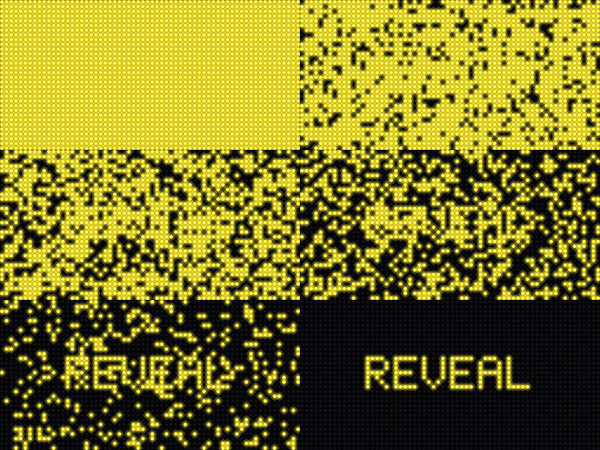
show_reveal_splash — wink off non-text pixels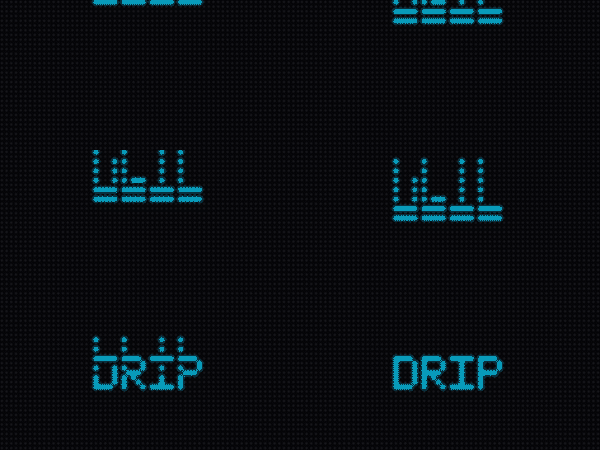
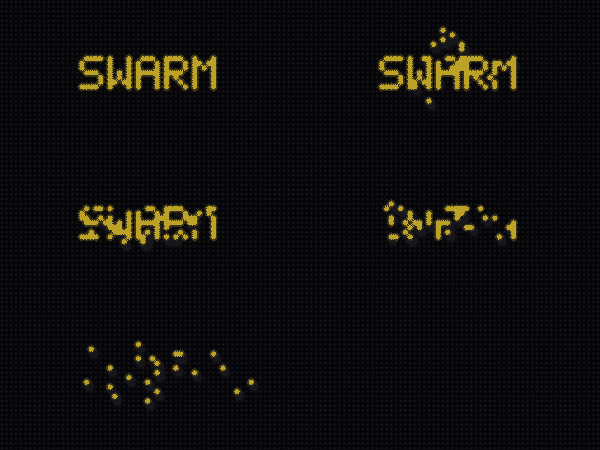
show_drip_splash — pixels fall into place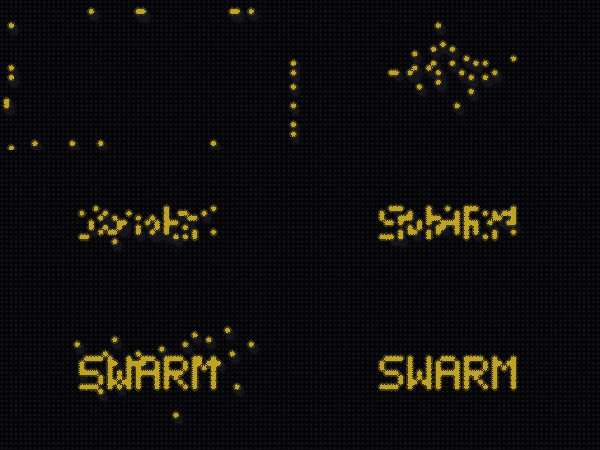
show_swarm_splash — a flock assembles the imageParticles
scrollkit.effects.particles.ParticleEngine drives a small pool of particles
(keep the count low on-device). Sparkle and Snow are exported; Ember (a
fire-ramp ember) and RainDrop are also available.
from scrollkit.effects.particles import ParticleEngine, Snow

engine = ParticleEngine(max_particles=8)
engine.add_particle(Snow(x=20, y=0))
# each frame:
await engine.update(display)
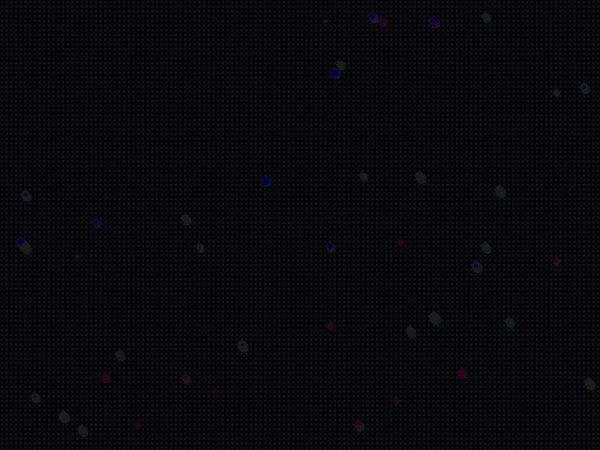
Sparkle — flares then fades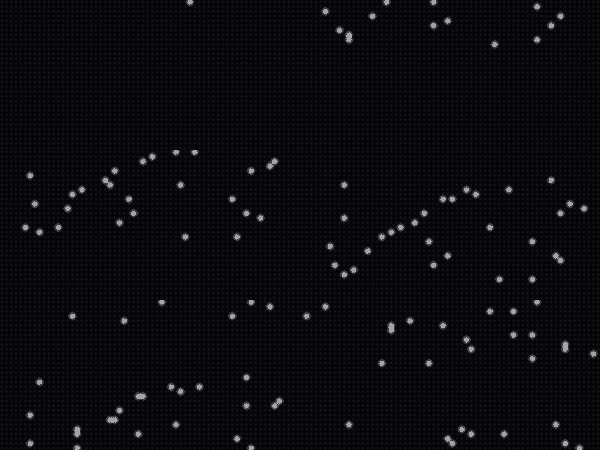
Snow — falls with a gentle sway
Ember — rises along a fire rampImage animators
scrollkit.effects.image_animators gives a full-panel image (an intro card, a logo,
an icon shown as a TileGrid) a bit of life while it holds — lights twinkle across
a silhouette, a subject crosses a fixed scene, a feature glows, a flag waves. Each
animator decorates an existing image layer; none of them own the display loop, and
none are the Transition content-swap contract. They were lifted up from the
ThemeParkWaits ride-intro engine.
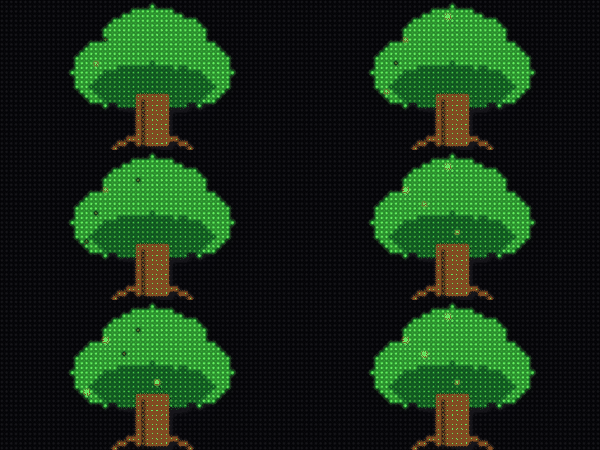
TwinkleAnimator — fireflies twinkle over the leaves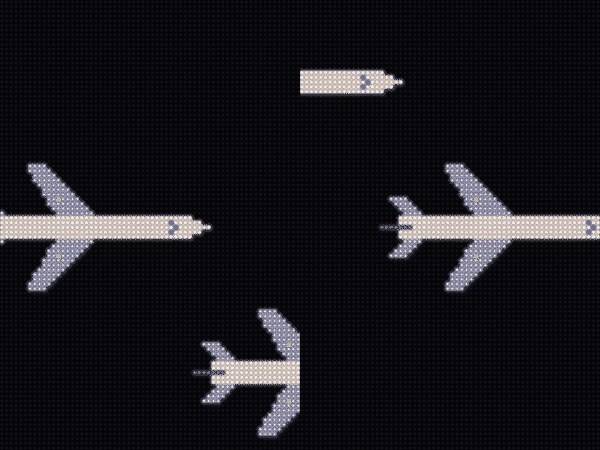
MotionAnimator — the whole tile flies across and off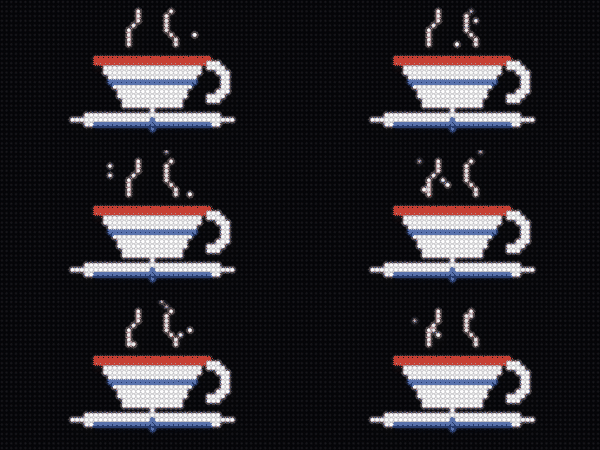
EmitterAnimator — steam drifts up from the cup
PalettePulseAnimator — the filament breathes brighter and dimmer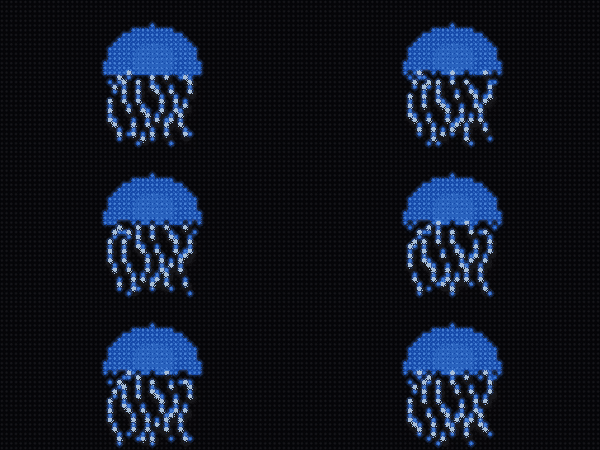
RegionShiftAnimator — the tentacles ripple (a per-column wave)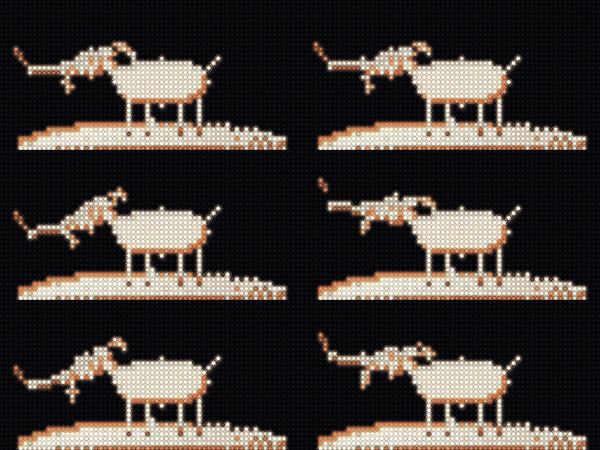
RegionRotateAnimator — the goat tilts its head (a true rotation about the neck)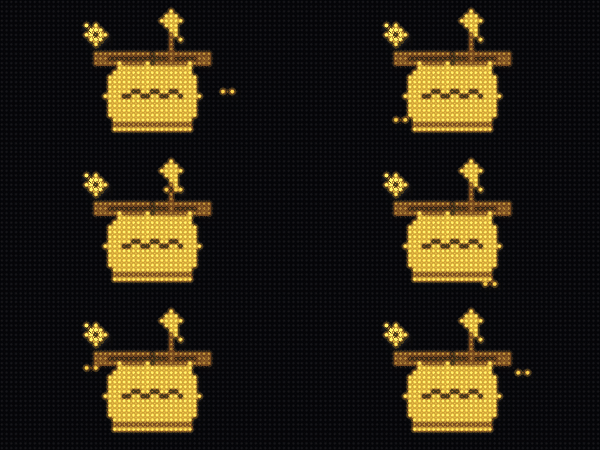
OrbiterAnimator — a bee loops around the honey pot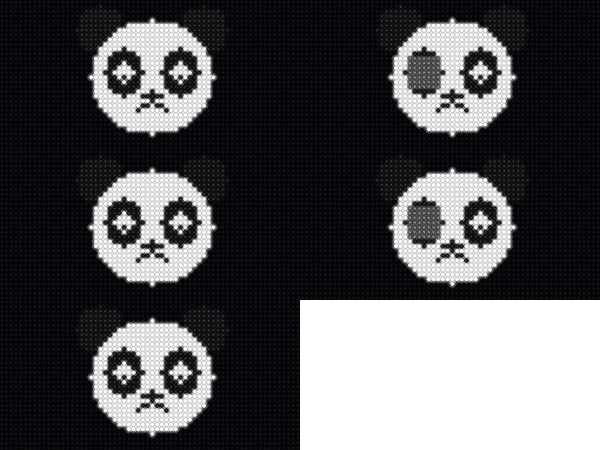
BlinkAnimator — the eyes blink shut and open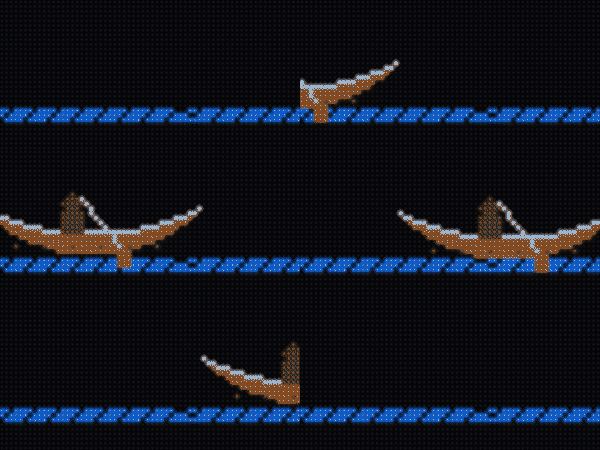
SpriteLiftAnimator — the canoe crosses; the water stays put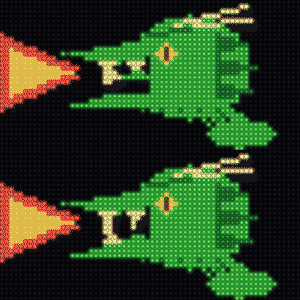
CoverAnimator — the mouth reads shut until it snaps open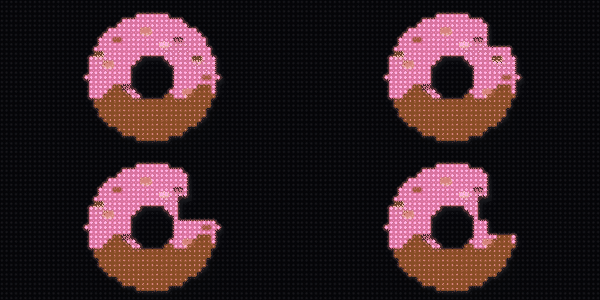
VanishAnimator — a bite is taken out, and stays bitten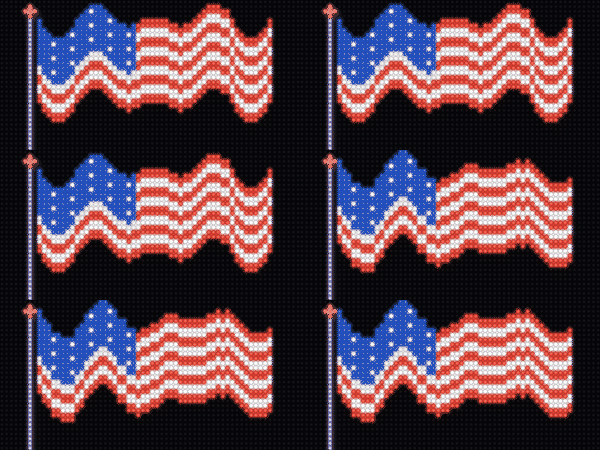
FrameCycleAnimator — the whole flag waves (pre-baked frames)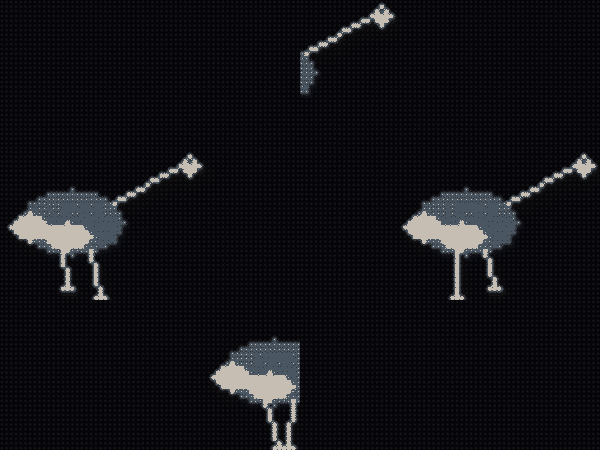
CelWalkAnimator — the ostrich strides across, legs stepping (authored multi-pose cel walk)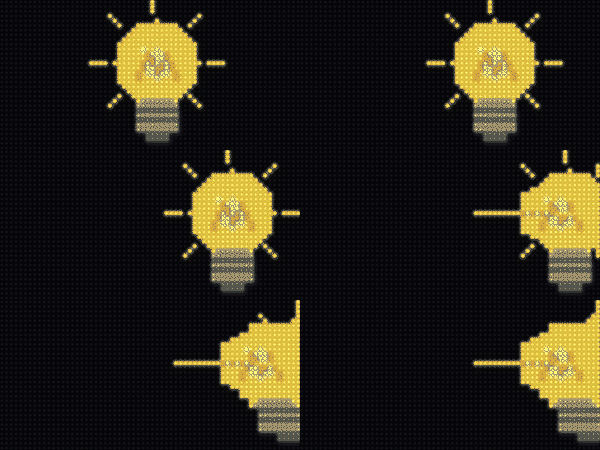
GravityDripAnimator — the image collapses toward whichever panel edge is down (here the right one)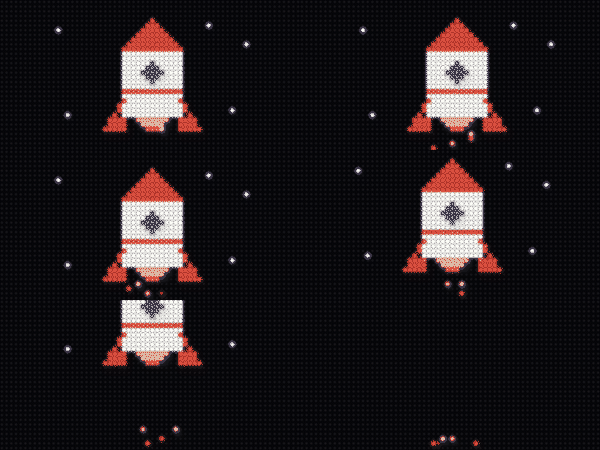
ComboAnimator — rise + exhaust emitter, composedGravityDripAnimator can be driven by the real world
It takes a panel-edge name, and the MatrixPortal S3 knows which edge that is.
Feed it TiltSensor.orientation and the sign responds to being
physically turned — see demos/medium/tilt_drip.py. It works perfectly well
with a hard-coded edge too.
Every animator follows the same standalone start / step / detach convention. Any
exception out of start()/step() is the host's cue to fall back to the still image,
so animators stay safe to detach() after a failure:
from scrollkit.display.unified import displayio
from scrollkit.effects.image_animators import TwinkleAnimator, read_indexed_bmp

# Load once. OnDiskBitmap supplies the palette; read_indexed_bmp decodes the pixels
# into a real Bitmap — OnDiskBitmap is NOT subscriptable on CircuitPython, and most
# animators read/rewrite image pixels. The same two calls run on device and simulator.
odb = displayio.OnDiskBitmap("/logo.bmp")
palette = odb.pixel_shader
palette.make_transparent(0)                          # slot 0 = transparent "sky"
bitmap = read_indexed_bmp(display.gfx, "/logo.bmp")  # subscriptable + writable
tile = displayio.TileGrid(bitmap, pixel_shader=palette)
display.add_layer(tile)                              # the image on its own layer

anim = TwinkleAnimator(count=20)
anim.start(display, tile, bitmap, palette, base_colors)  # raise -> fall back to the still image
for frame in range(anim.HOLD_FRAMES):                # step + show once per displayed frame
    anim.step(frame)
    await display.show()
anim.detach()                                        # settle to a rest pose + free layers
display.remove_layer(tile)
base_colors is the palette's original colors as 0xRRGGBB ints, captured before any
fading or mutation (the demo has the one cross-platform capture helper). read_indexed_bmp
returns a writable Bitmap, so animators that rewrite pixels (wants_writable_bitmap =
True) need nothing extra; copy_to_writable() is the alternative when you already hold a
readable Bitmap. Each class advertises HOLD_FRAMES (how many frames one play wants, ~20 fps).
Runnable example — demos/medium/image_intro.py
Because an animator is step()-ed once per displayed frame, it lives in a
self-driving app (like the splash demos): setup() runs the loop itself
instead of returning and letting the content queue drive frames. The
demo loads a BMP as a layer, runs the start → step-every-frame → detach contract
for one animated intro, then hands off to a data screen — and loops through three
of them. Run it live: PYTHONPATH=src python demos/medium/image_intro.py.
Runnable example — demos/medium/walking_ostrich.py
A cel walk is the one animator that plays authored frames rather than
deforming the loaded bitmap: CelWalkAnimator cycles distinct drawn leg poses (a
real walk cycle) while the whole sprite strides across, so the ostrich walks in from
the left and off the right. It can also pre-bake a small rotating head/neck region
(head_box, head_pivot, and head_amp_deg) to add a nod without per-frame pixel
work. The frames live in a sibling spritesheet next to the
still — ostrich.bmp pairs with ostrich_walk.bmp (four 64×32 poses in one strip,
one palette, sky at slot 0). Because it finds that sheet from the image path, a cel
walk is the one animator that needs the path set — animator.image_path = path
(the app injects it via for_image; the demo sets it by hand). Drop a
<name>_walk.bmp beside any <name>.bmp and the same animator walks it. Run it
live: PYTHONPATH=src python demos/medium/walking_ostrich.py.
The fourteen animators use four motion substrates and compose with ComboAnimator
(e.g. a rocket is MotionAnimator(path="rise") + an exhaust EmitterAnimator):
| Substrate | Animators | What it does |
|---|---|---|
Transparent overlay above the image (sparse writes cleared by one C fill) |
TwinkleAnimator, EmitterAnimator, OrbiterAnimator, BlinkAnimator, CoverAnimator |
shimmer, drifting particles, an orbiting sprite, a wink/flicker, a masked-until-cue patch |
Move a tile — the image's own TileGrid or a lifted copy of its subject |
MotionAnimator, SpriteLiftAnimator |
traverse / rise / bob / jiggle; or lift a subject onto its own layer and cross a fixed scene (the hole row-inpaints) |
| Rewrite the loaded Bitmap or palette entries | RegionShiftAnimator, RegionRotateAnimator, VanishAnimator, FrameCycleAnimator, PalettePulseAnimator |
wing/flag/jaw motion (sine/ramp/ripple/hinge waves), a true region rotation about a pivot (a head nodding — exclude keeps the attached body static), staged erases (a bite), pre-baked ripple frames, a breathing glow |
| Play authored cels — a tile-indexed sibling spritesheet | CelWalkAnimator |
swap between distinct authored frames (a true walk cycle) while striding across; frames live in a <name>_walk.bmp strip, O(1) per frame (a tile index + an x write) |
Like the showcase effects, every animator carries a FEASIBILITY dict on the class
(hardware_safe, allocates_per_frame, max_pixel_writes_per_frame,
modeled_frame_ms) — bounded, bulk writes only, budgeted against the calibrated
MatrixPortal S3 model. Verify a composition with run_headless(app, strict=True), which
raises FeasibilityError on anything that busts the ~50 ms / 20 fps budget.
Pairing effects to content
Some effects read best on static (held) text, some on scrolling text, and
the transitions are full-screen swaps between content. Each effect class carries
a PAIRS_WITH tag ("static" / "scrolling" / "fullscreen") that
scrollkit.dev.capabilities() surfaces as pairs_with (and as_text() prints as
[best on: …]), so app authors and AI agents can pick the right effect for the
content.
| Best on | Effects |
|---|---|
| Scrolling text | KineticMarquee, WaveRider — Class 1, they are the scroll |
| Static / held text | SplitFlap (flips characters in place) |
| Either static or scrolling | the BitmapText palette effects: RainbowChase, MonoChase, NeonTubeCrawl, ChromeSheen, HazardStripes |
| Full screen (swap between content) | every Transition — they all work over any content: IrisSnap, VenetianShutters, MosaicResolve, CRTCollapse, LightSlitRewrite, PixelDissolve, ColumnRain, GradualReveal, ScanFold, HorizontalWipe, GlitchBars, DiagonalWipe, DropFromSky |
The tag is guidance, not a constraint — nothing stops you using an effect elsewhere; it just records what looks good.
One call per category
You rarely need the tags by hand. Each category exposes one selector function that
reads the live PAIRS_WITH tags and returns what's available for a given presentation,
so a newly-added effect shows up automatically — no list to keep in sync:
from scrollkit.effects.transitions import transitions_for
from scrollkit.effects.scrolling import scrollers_for
from scrollkit.display.bitmap_text import palette_effects_for, BitmapText
import random

transitions_for()                 # transition NAMES (all full-screen; for transition_style)
scrollers_for("scrolling")        # scroller CLASSES suited to scrolling text
palette_effects_for("scrolling")  # palette-effect CLASSES for BitmapText
Pass "scrolling" or "static" to scrollers_for / palette_effects_for to pick by
how the content is presented. transitions_for takes presentation="fullscreen"
(its default) — transitions are all full-screen swaps, so it returns every transition.
Apply each by its category — they are not interchangeable:
# a transition fires BETWEEN screens — it's a setting:
app.settings.set("transition_style", random.choice(transitions_for()))
# a scroller IS the content — add the class to the queue:
cls = random.choice(scrollers_for("scrolling"))
app.content_queue.add(cls("Space Mountain  45 min", y=12))
# a palette effect goes ON bitmap text:
pe = random.choice(palette_effects_for("scrolling"))
app.content_queue.add(BitmapText("OPEN", palette_effect=pe()))
Memory ladder
Effects are the first thing to disable on a memory-starved device. Prefer the lighter transitions and keep splash/particle counts low when targeting the MatrixPortal S3.
Showcase foundation primitives
The ScrollKit Showcase Effects work adds a small set of shared, zero-allocation
primitives that the new effects build on. Each runs unchanged on the device
and the simulator, and is budgeted against the calibrated MatrixPortal S3 model
(~20 fps / 50 ms per frame at bit_depth=4).
| Primitive | What it gives you | Hardware budget framing |
|---|---|---|
scrollkit.effects.easing |
Integer easing/tween lookup tables (ease, interp) for 6 curves |
Pure bytes lookups — no floats, no per-call allocation |
display.fill_rect / fill_span / clear_rect |
Bounded span/rect painters | C bulk ops (bitmaptools.fill_region) — never a full 2048-pixel Python loop |
display.measure_text(text) |
Real rendered text width (summed glyph advances) | Replaces the old len(text) * 6 estimate; measured once, off the hot path |
display.gfx + add_layer / remove_layer |
Platform-resolved Bitmap/Palette/TileGrid/bitmaptools, plus a content/layer group split |
Cached once per display; persistent effect layers keep a stable z-order across the per-frame clear |
scrollkit.effects.overlay.OverlayMask |
One preallocated indexed mask (transparent index 0) composited above content | Allocate once; transitions write only dirty spans |
scrollkit.effects.scrolling |
Characterful scrolling: KineticMarquee, WaveRider, SplitFlap |
One / a few small Labels repositioned per frame; bounded rebuilds |
scrollkit.effects.transitions |
Theatrical transitions: 13 in all — IrisSnap, VenetianShutters, MosaicResolve, CRTCollapse, LightSlitRewrite, PixelDissolve, ColumnRain, GradualReveal, ScanFold, HorizontalWipe, GlitchBars, DiagonalWipe, DropFromSky |
Bounded mask spans per frame; swaps content while fully covered |
scrollkit.display.bitmap_text |
Palette-animated bitmap text: BitmapText + RainbowChase/MonoChase/NeonTubeCrawl/ChromeSheen/HazardStripes |
Animation is a few palette writes per frame — zero per-frame pixel work, no glyph rebuild |
Every showcase effect carries an advertised FEASIBILITY dict (hardware_safe,
allocates_per_frame, max_pixel_writes_per_frame, modeled_frame_ms); see the
per-class pages above.
Strict feasibility gate
Hardware simulation can run in strict mode: an effect whose modeled per-frame
cost busts the device budget raises scrollkit.exceptions.FeasibilityError instead
of only warning. The gate is steady-state (a rolling median holds ~20 fps) plus a
single-frame transient ceiling, so a legitimate one-off glyph rebuild is tolerated
while a sustained over-budget effect fails.
from scrollkit.dev import run_headless

# strict=True implies hardware modeling; a busting effect -> result.ok is False
result = run_headless(MyApp(), frames=120, hardware=True, strict=True)
assert result.ok and result.advanced       # rendered, animated, within budget
print(result.hardware_text)                 # per-frame budget breakdown
Strict mode is opt-in (strict=True, or SCROLLKIT_HW_STRICT=1); it is a
desktop-simulator concept and a no-op on CircuitPython, where the device runs at
real speed.
For the measured costs behind the budget (C bulk calls vs interpreted Python, the refresh floor, and the swarm rewrite that motivated all of this), see the Performance guide.
Swirl entrance (0.9.0)
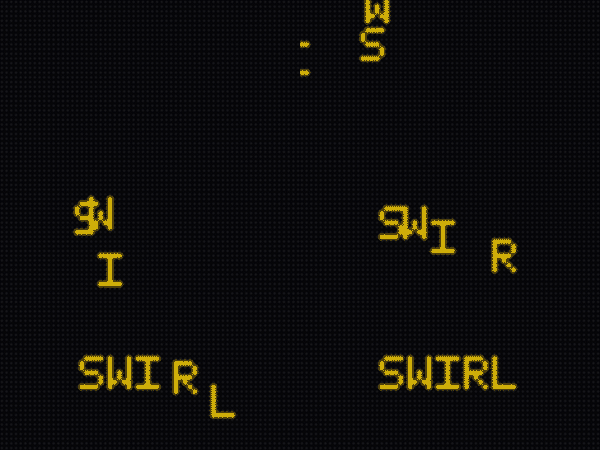
SwirlIn spirals a set of positioned sprites in around a center point,
each entering far offscreen and unwinding onto its exact target — a word
assembling as a rotating spiral. It takes a per-sprite target list, so it
is deliberately not a named Transition (nothing content-agnostic could
construct it):
from scrollkit.effects.swirl_in import SwirlIn

entries = [(tile, x, y, w, h) for tile, x, y, w, h in my_sprites]
sw = SwirlIn(entries)                     # center, radius, stagger tunable
while not sw.is_complete:
    sw.step()
    await display.show()
Swarm true-color and reverse modes (0.9.0)
SwarmReveal can now assemble an arbitrary source image's exact colors —
pass pixel_colors={(x, y): 0xRRGGBB} (the palette is derived for you) or
text_colors= + index_map={(x, y): ramp_index} for explicit control.
And reverse=True runs the deconstruction: the image starts fully lit and
each bird CARRIES ITS PIXEL AWAY, leaving darkness when the flock disperses.